
We keep the TapMango application locked and full screen while in use. This is to prevent customers from wandering out of the app and changing any settings.
We have made it easy for you to get out of the app when you need to though!
First, Access the System Menu
- On the Customer side, triple tap the screen quickly
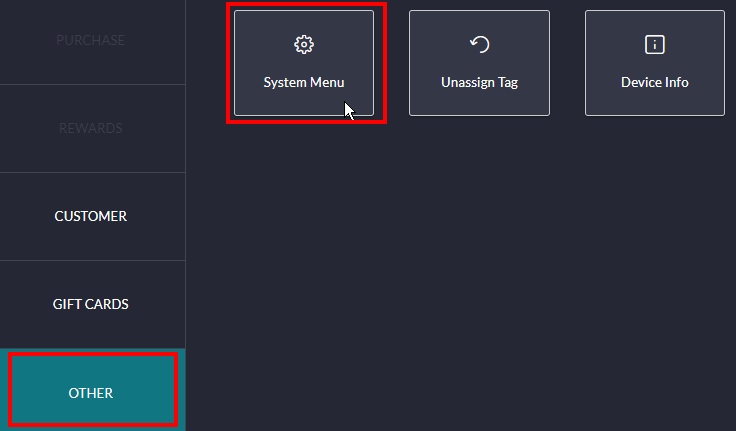
- On the Merchant side, select Other tab and select System Menu
Next, select one of these options
Option 1: To restart the app, select Reload
Option 2: To quit the app, select Quit App and enter 999999 for the password
Comments
0 comments
Article is closed for comments.