
Step 1: Have a customer check in to their loyalty account with their phone number, key chain tag, or mobile app
Step 2: Flip the tablet over from the customer side, to the cashier side
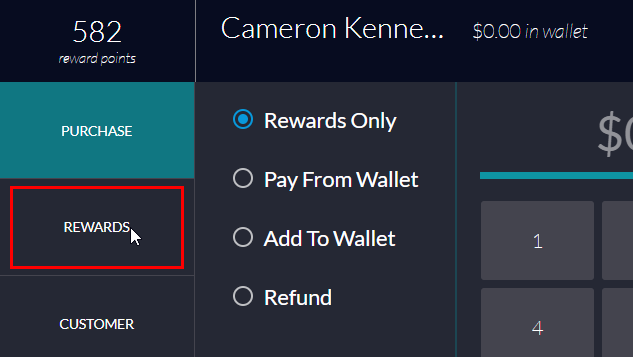
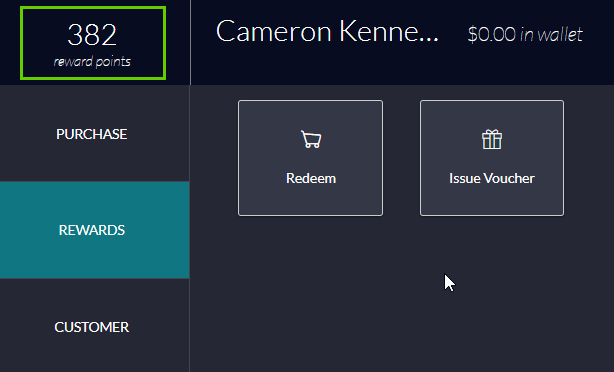
Step 3: Select the rewards tab on the left hand side
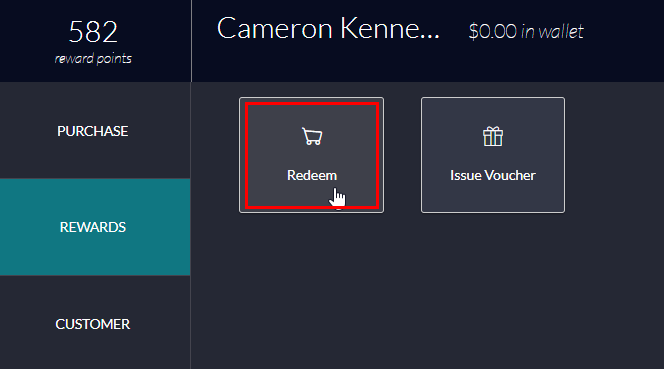
Step 4: Select the redeem button
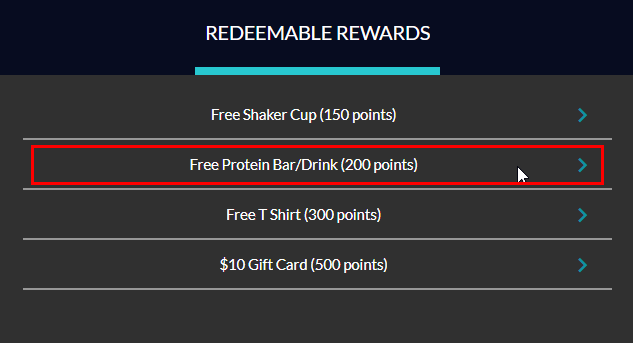
Step 5: Select the reward or voucher that you would like to redeem
Step 6: Confirm the redemption on the TapMango Tablet, and update your Point of Sale system to account for the discount you are providing to your customer
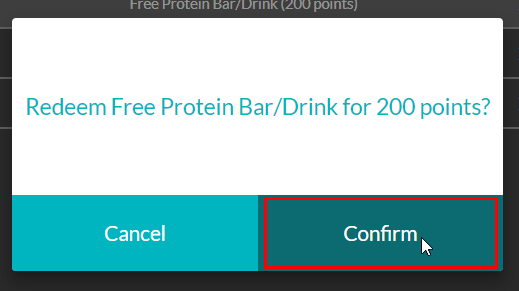
Notice how the points automatically update by redeeming the 200 point reward!
Comments
0 comments
Article is closed for comments.